How it works
Upload, send, signed
Three steps from your desk to a signed document in your file. No training day, no rollout project.
Upload your document
Drag in a PDF or a Word file. Nothing needs converting first.
The document keeps its formatting, so what your client sees is what you sent.
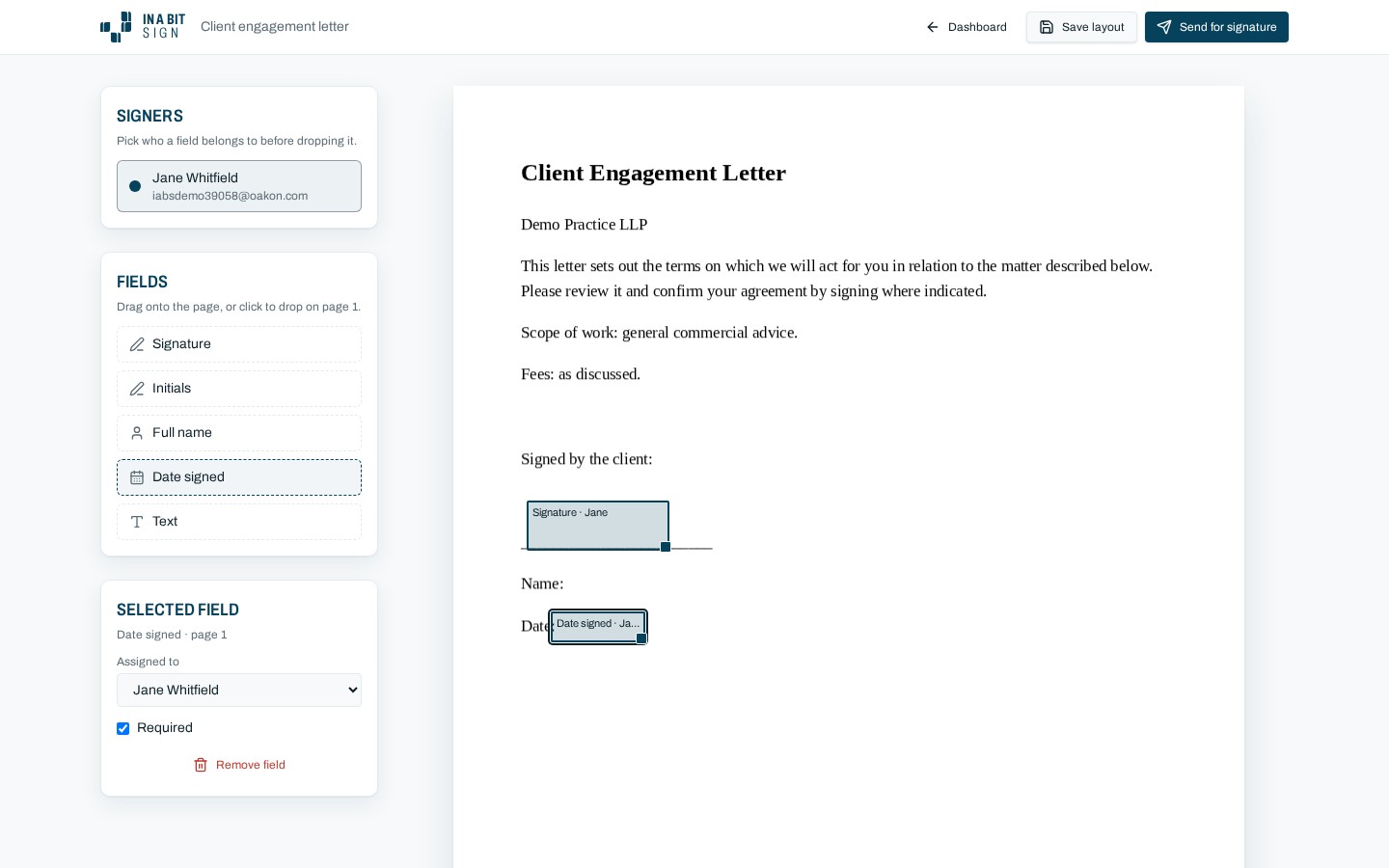
Add fields and send
Place signature, date and initial fields where you need them.
Add the signer's name and email address. That is all the detail required.
Reuse a document you send often by saving it as a template.
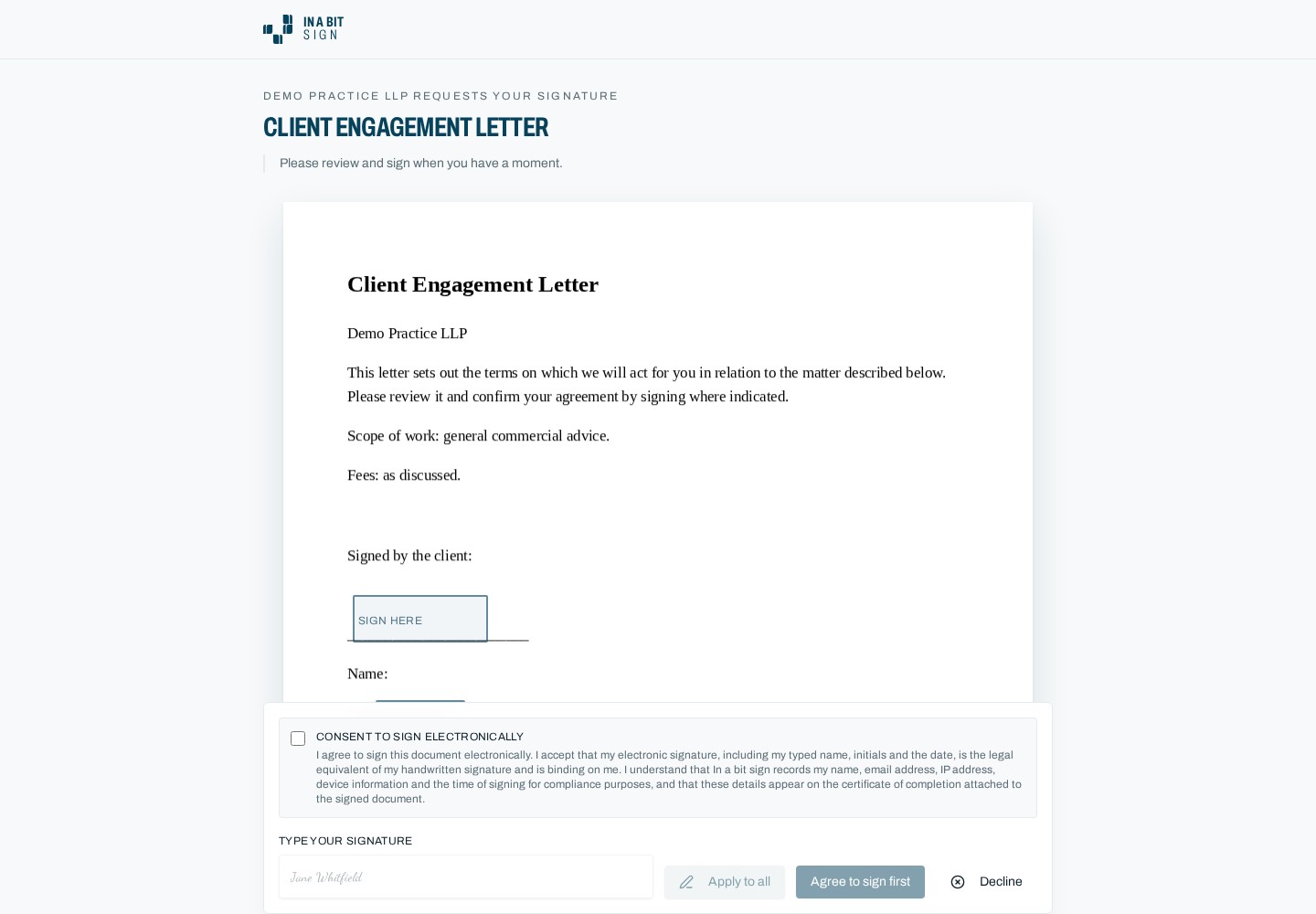
Your client signs
They receive an email, open the document in their browser, and sign.
The signed document and its audit trail come straight back to you.
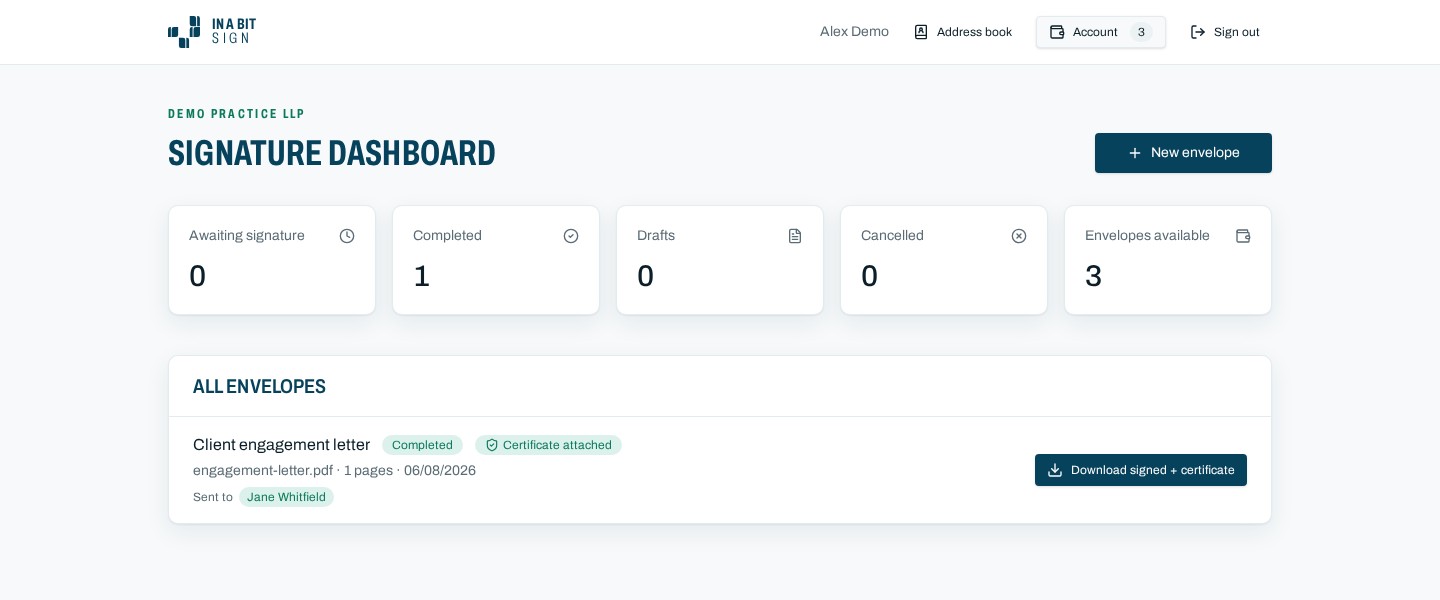
What your client sees
No account to create, no app to download. It works on a phone and takes under a minute.
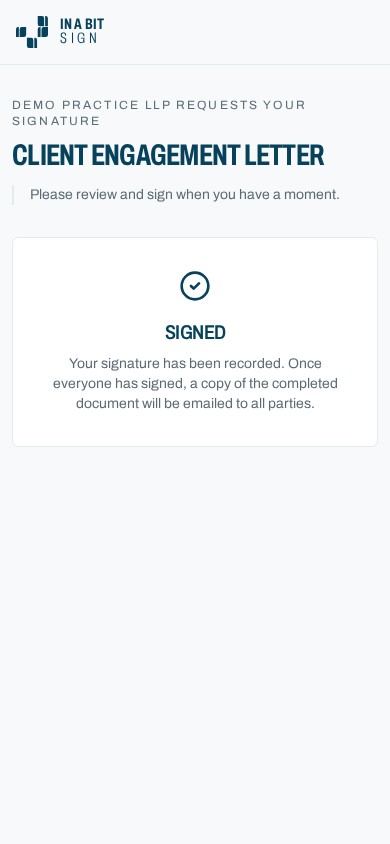
The audit trail
Every document records:
- Who signed
- When they signed
- The email address used
- The IP address recorded at signing
- The document version at the time of signing
- Timestamps for every step, from send to completion
You can download the audit trail at any time as a PDF alongside the signed document.
Email notifications
Everything moves by email, so nobody has to log in to find out where a document has got to. Your signer receives an invitation with a secure link, and a reminder if it is still outstanding.
You are notified when the document is opened and when it is signed. Once everyone has signed, the completed PDF and audit trail are emailed to all parties.
Completed documents stay available to download for as long as you keep them in your account, and you set how long that is.
You can export your documents and audit trails at any time.